Pair and Connect to a Server
- Make sure that you've setup the Credentials and that the bot is currently running (
npm start run). - Login to the Rust server you want to play.
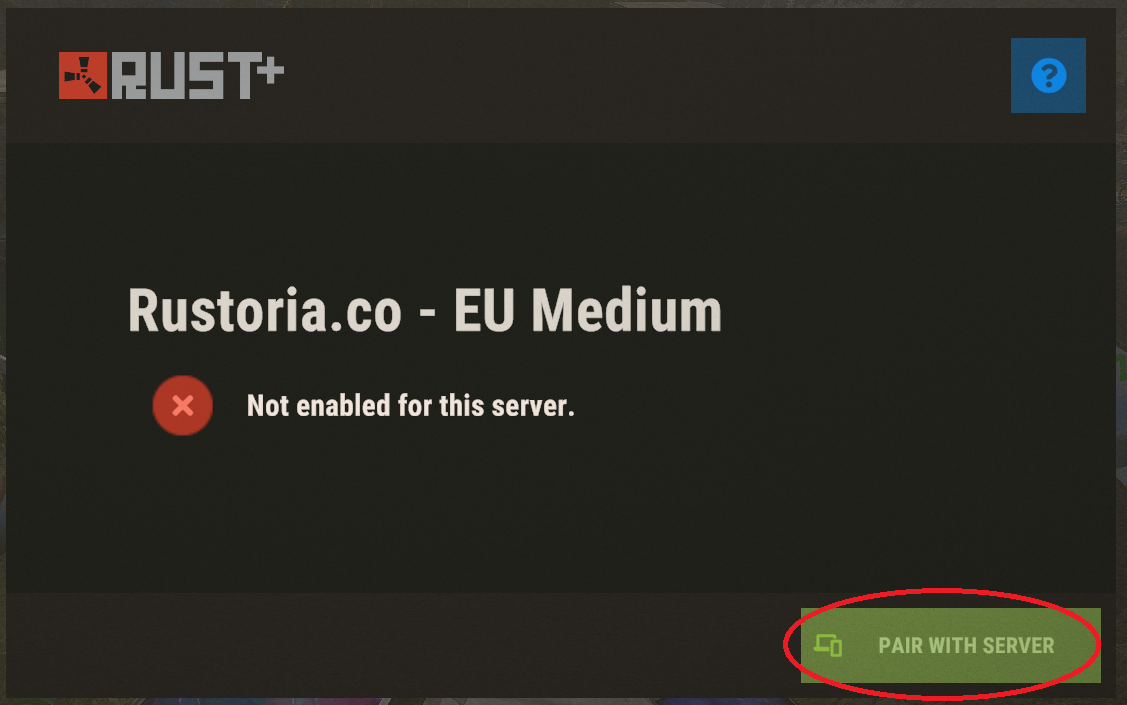
- Click
ESCand then onRust+. - Click
PAIR WITH SERVER.
- When you've paired the server it should appear in the Discord Text Channel
servers.
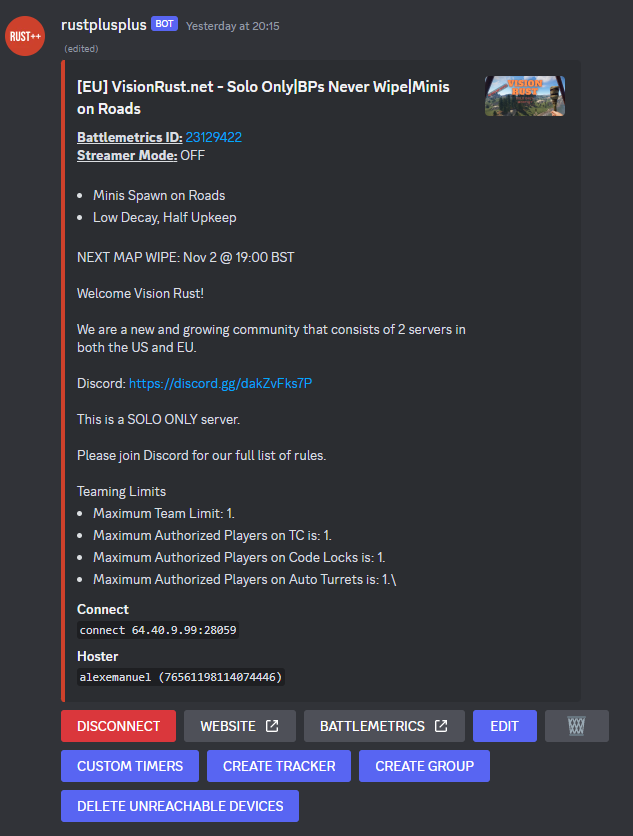
- From there, you just click the
CONNECTbutton and the bot will connect to the Rust server.